Run your crew
without the
group‑text chaos.
Assign the work, watch photos and hours land from the field in real time, and close out every job with a record you can hand straight to the client. Nothing to reconcile at the end of the week.
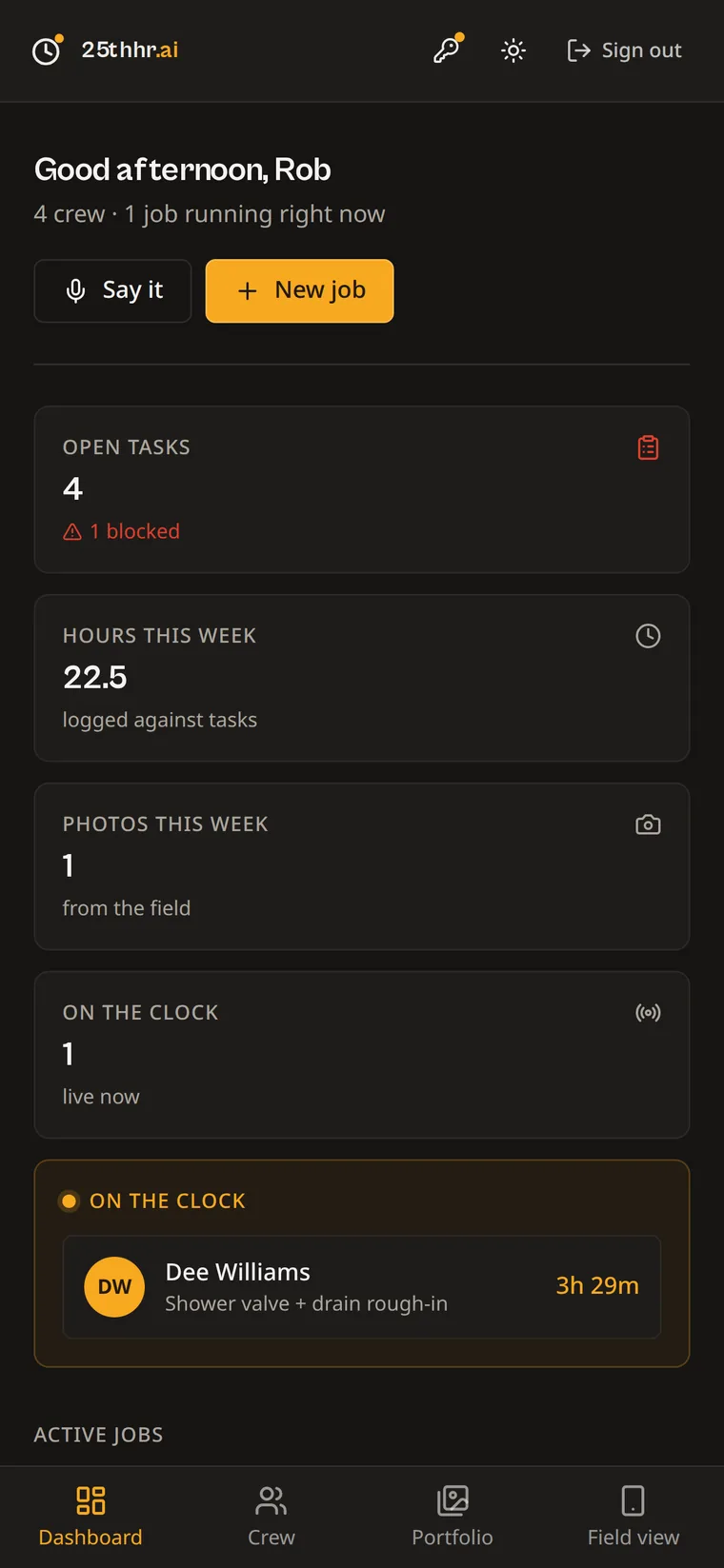
Running a crew shouldn't mean chasing everyone all day.
A group text full of blurry photos and no idea who sent what, or which job it was even from.
Timesheets that don't match reality — you're guessing at hours instead of knowing them.
A client asking "what am I paying for" at closeout, with nothing organized to show them.
Change orders that turn into arguments because nothing was priced or approved in writing.
Everything from "assign the job" to "hand over the proof."
One app for you, a free web login for every foreman — no per-seat charges for the field.
Say it, don't type it.
Create a job, break it into tasks, and assign each one to a crew member — or push one task to everybody at once. Speak the assignment, review the confirmation, and send. No more typing out the day from a truck.
- Voice assignment with a confirmation card before it sends
- Assign to one person or the whole crew at once
- Every job carries the client, address, dates and contract amount
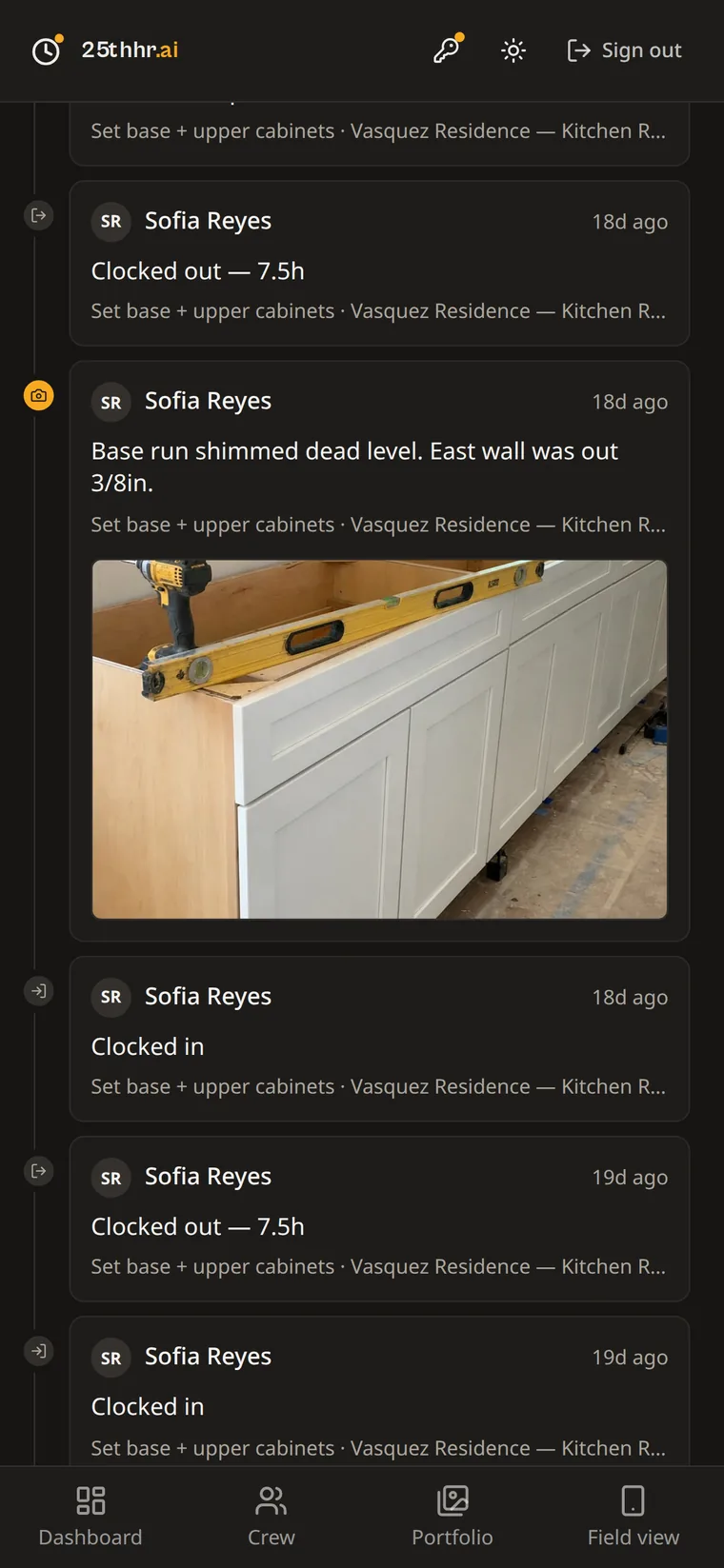
Watch the job happen in real time.
Your crew clocks in against a specific task, so hours land where the work actually happened. Photos come in with a note attached, stamped with who sent it and when — all in one live feed across every job you're running.
- Clock-ins, finished tasks and photos in one timeline
- Every photo is tied to a task, a job, and a person
- Know who's on site right now without a phone call
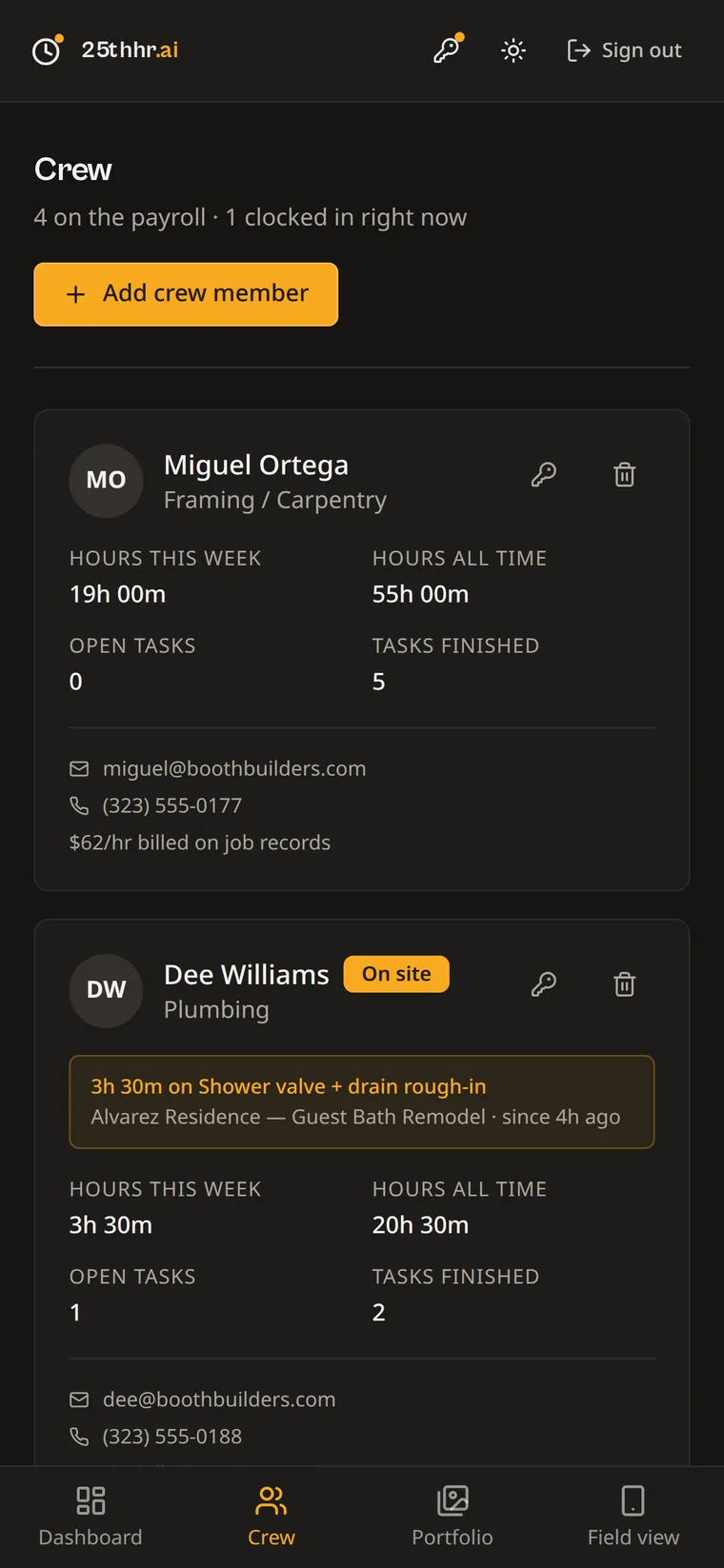
Hours that add themselves up.
Every shift ties to a task and a job — nothing to chase at the end of the week. See hours today, this week, and all time per crew member, with labor cost calculated automatically from each person's rate.
- No timesheets to collect or reconcile
- Labor cost tracked against the job as it happens
- Per-crew-member totals: hours, tasks, and rate
Change orders that don't turn into arguments.
A foreman flags an item as out of scope right from the photo upload. You price it and send a one-tap approval link — the client signs on their phone, no login required. It's in writing before the work continues.
- Flagged from the field, priced by you, sent for approval
- Client approves with a typed name and a tap — no account needed
- Status tracks from flagged → pending → approved or declined
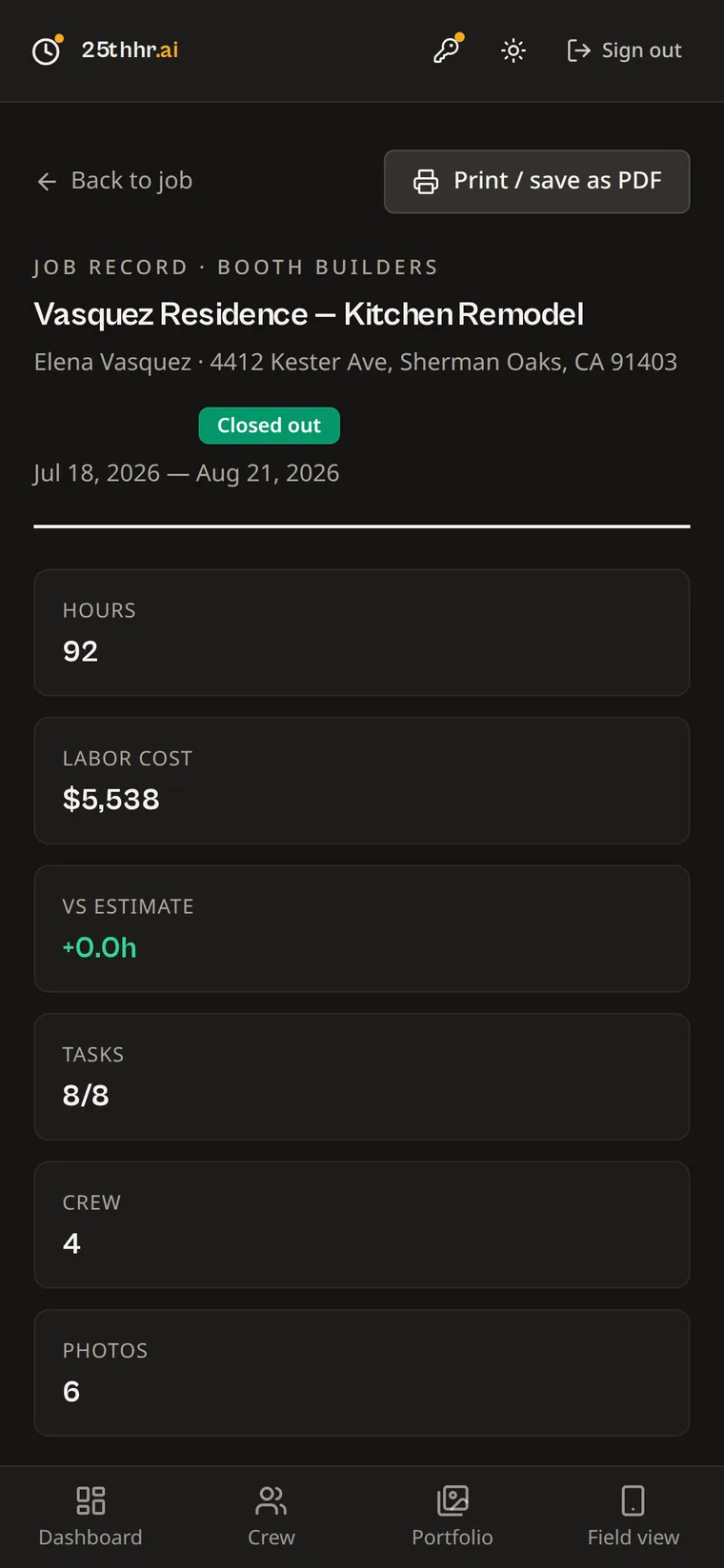
Close out with a record you can hand over.
Every finished job compiles into a job record automatically: hours, labor cost, tasks completed, crew involved, and every photo in order. Save it as a PDF or share it straight from your phone.
- Nothing to assemble — the record builds itself as you work
- Print or save as a PDF in one tap
- The proof a client needs, without you writing a report
Every delivered job becomes your portfolio.
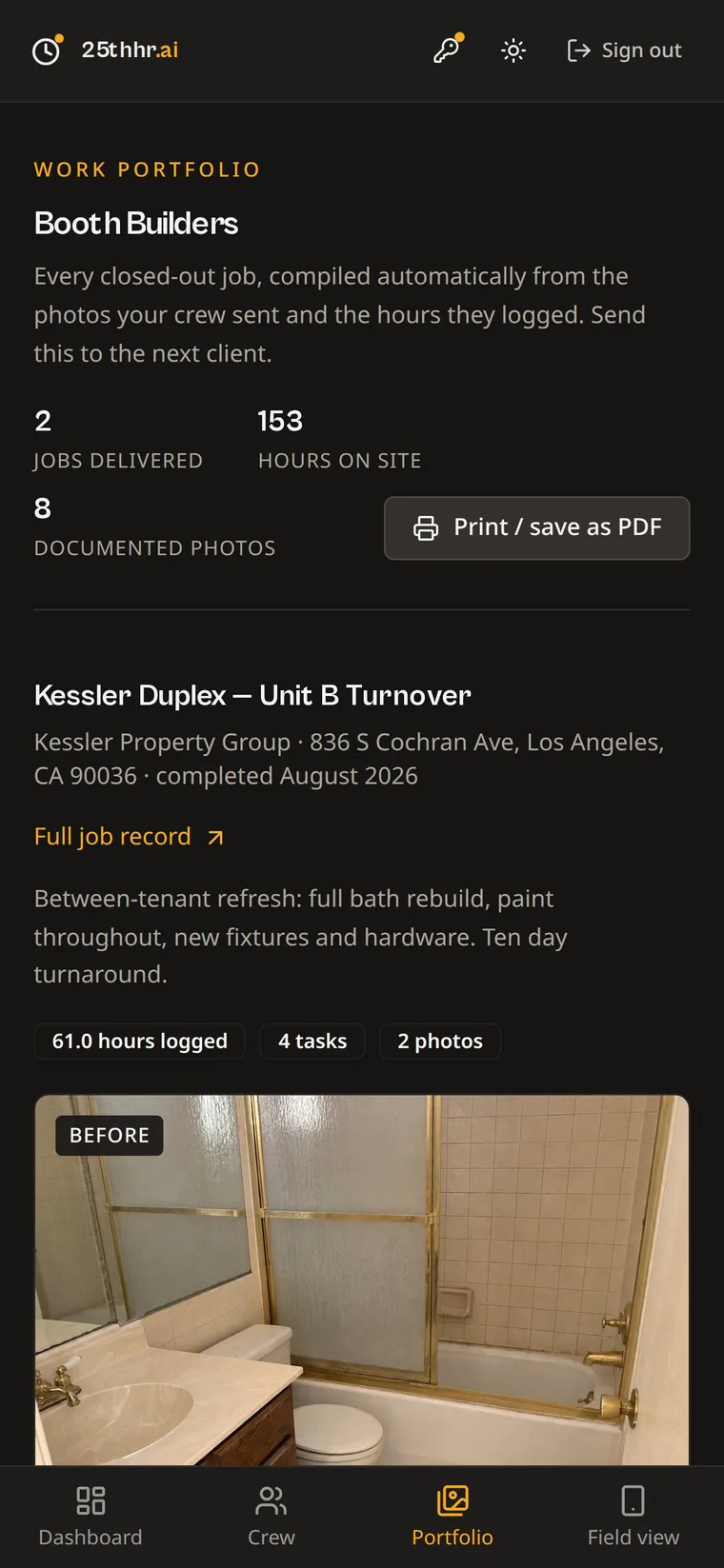
Closed-out jobs collect automatically into a work portfolio — hours on site, photos, and before/afters, ready to send to the next lead. Your best marketing is the work you've already done; this just makes it easy to show.
- Builds itself from jobs you've already closed out
- Share a single link or export a PDF for a proposal
- Nothing extra to shoot, write, or format
See exactly how much time you got back.
Every photo update, time entry, and task status change is a phone call or site visit you didn't have to make. 25thhr counts them and shows you the total — using a multiplier you can see and edit yourself, never a black box.
- Weekly total with week-over-week comparison
- Lifetime total plus a breakdown by action type
- The math is disclosed and the multiplier is yours to adjust
One flat price for your whole business.
Priced by headcount, not per seat. Crew roster records without logins never count toward your limit — only the owner and foremen who actually sign in.
- ✓ Unlimited jobs & photos
- ✓ Voice task assignment
- ✓ Hours, labor cost & job records
- ✓ Change orders with e-signature
- ✓ 30-day free trial, no card required
- ✓ Everything in Starter
- ✓ Room for a growing crew
- ✓ Work portfolio & owner time-saved tracker
- ✓ Priority support
- ✓ 30-day free trial, no card required
- ✓ Everything in Growth
- ✓ Unlimited owners & foremen
- ✓ Built for multi-crew operations
- ✓ 30-day free trial, no card required
Members are the owner and foremen with logins. Crew roster entries without a login are always free.
Before you start the trial
Assign the day, watch it happen, hand over the proof. Free for 30 days, no card required.
Start your free trial